The Code Editor displays any file in the project, including Python® source code, and offers syntax highlighting and autocomplete functionality (Figure 1).
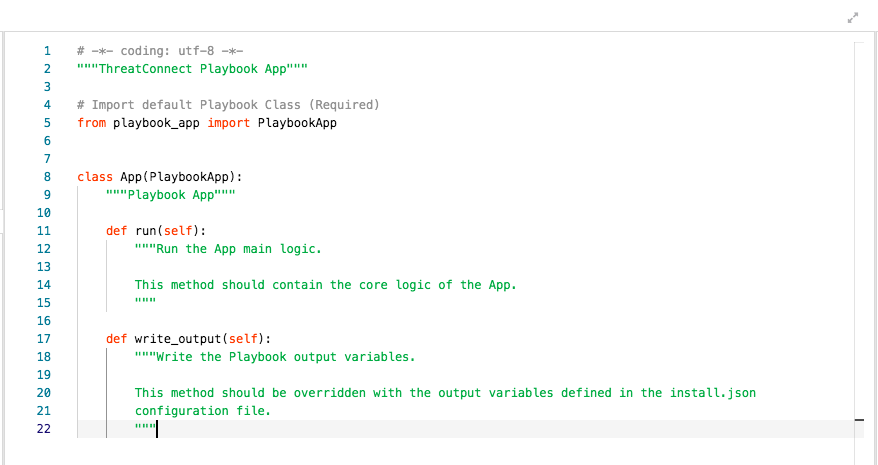
To enter or edit code, click the cursor in the desired location and begin typing or editing.
Click Expand  at the upper-right corner of the Code Editor to switch to full-screen mode, and click Collapse
  to exit full-screen mode.
Note
Clicking into the Code Editor and pressing Ctrl + F (Windows®) or Command + F (macOS®) will display a search tool at the upper-right corner of the Code Editor.
macOS® is a registered trademark of Apple, Inc.
Python® is a registered trademark of Python Software Foundation.
Windows® is a registered trademark of Microsoft Corporation.
20084-08 v.07.A