The Source Control tab allows you to create versions (commits) of Apps, comment on commits, and revert to prior versions of an App (Figure 1).
Important
Commits are not the same as release versions. They are an informal system of saving different phases of an App’s development, whereas releases are official, documented versions of an App. Release versions are numbered according to the scheme provided in the Types screen of the Release App drawer when releasing an App. However, when an App is released, a commit for the release is automatically created as well.
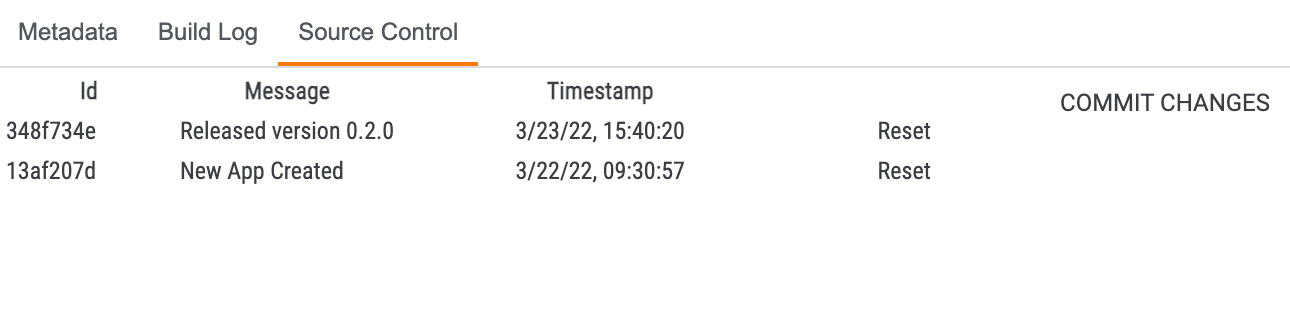
The table provided in the tab provides the following pieces of information for each commit:
- Id: The unique ID number of the commit.
- Message: A message with information about the commit, such as what was changed or different for that version. If the commit was generated automatically by a release, then the message will state that the commit is for a released version, and it will provide the official version number.
- Timestamp: The date and time when the commit was made.
- Reset: Click the Reset link to revert back to the commit.
Note
You can drag and drop this tab into a different area of the App Builder screen, if desired.
Creating Commits
To create a commit, click the COMMIT CHANGES button. The Commit Changes window will be displayed (Figure 2).
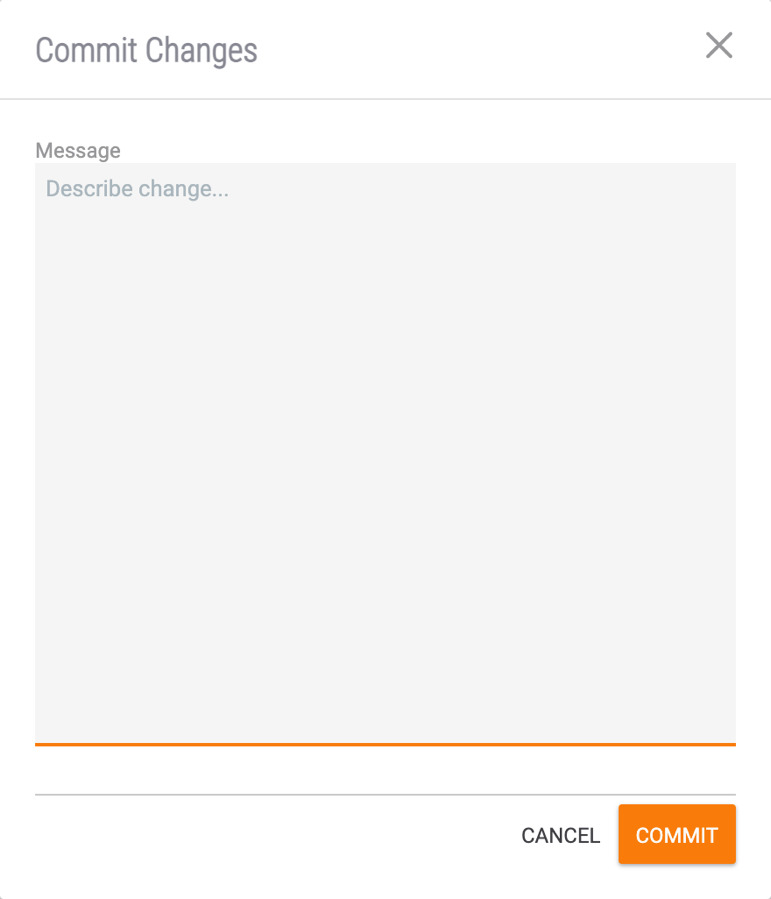
- Enter a Message to describe the changes for the commit, which will be displayed in the Message column of the Source Control table (Figure 1).
- Click the COMMIT button.
Reverting to Previous Commits
To revert to a previous commit, click the Reset link for that commit. The Reset Project to Commit window will be displayed. Click the PROCEED button to revert to the chosen commit.
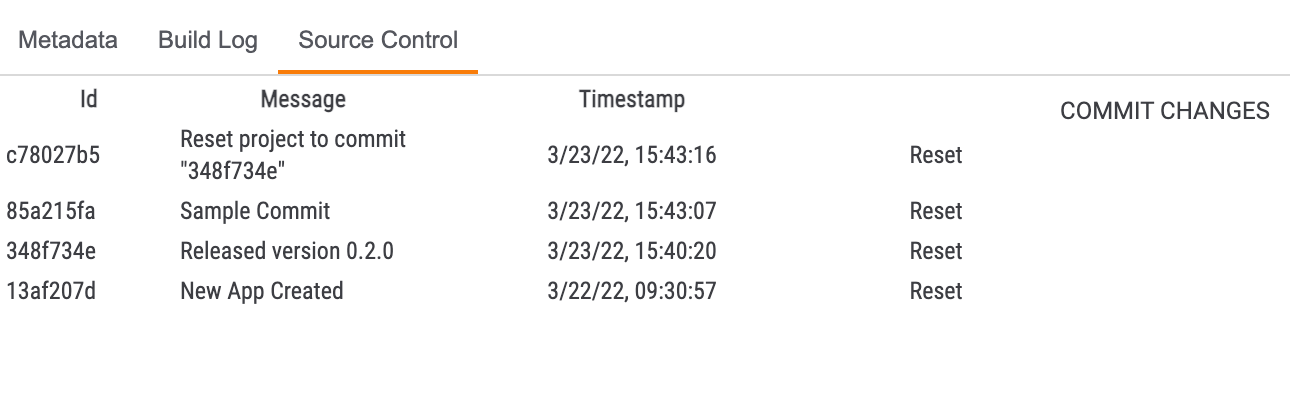
The project will return to its state in the chosen commit, and a new commit will be created automatically for the reset action (Figure 3).
20084-13 v.07.A